Right Panel: Threat Register, Posture, Assumptions & AI Co-Pilot
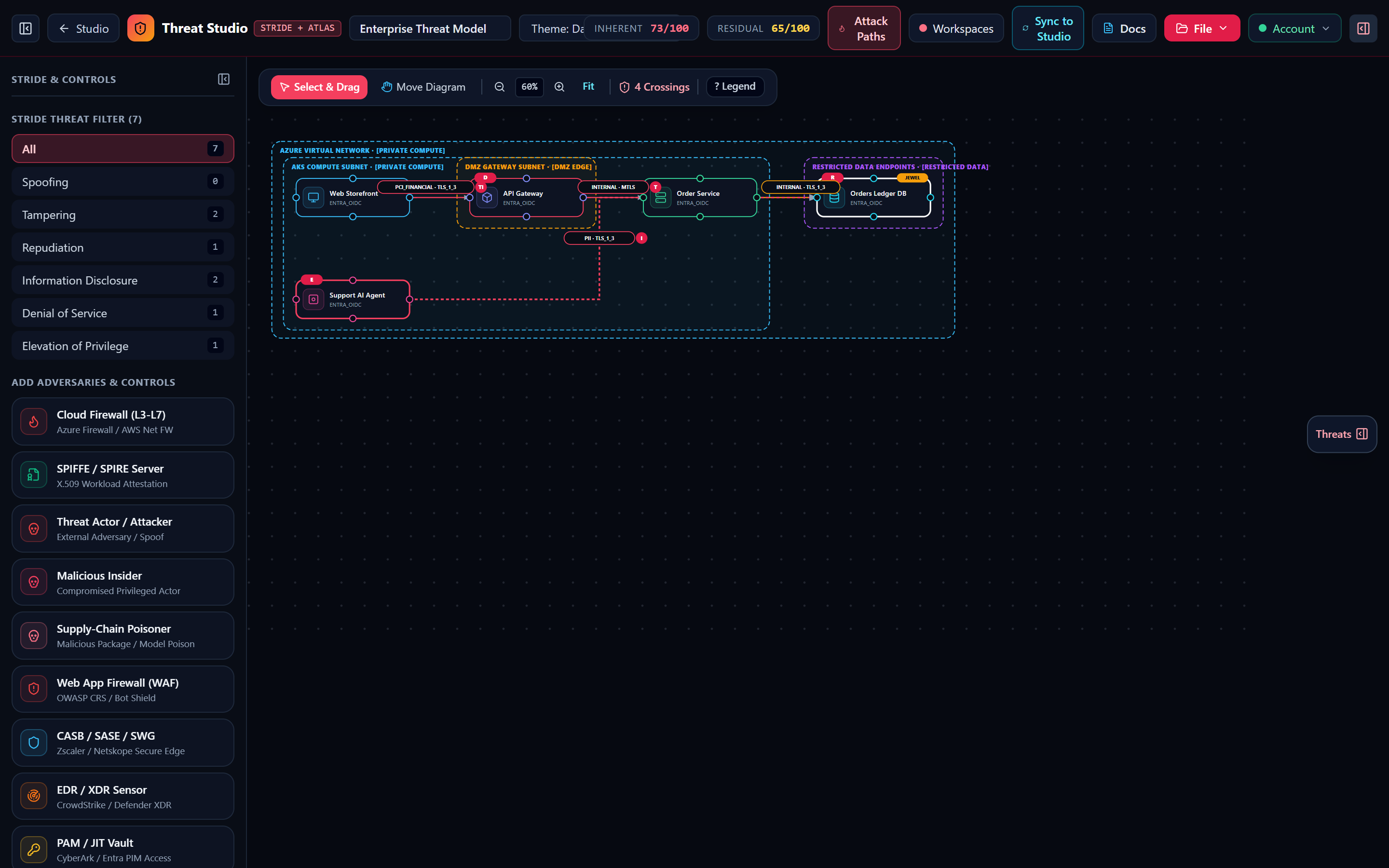
Anatomy of a Threat Register card (NM-STRIDE-T01, CWE/OWASP/NIST/PCI-DSS badges, 1-click inline mitigation), Posture Inspector, Control-Break Simulator, Assumptions, and AI Co-Pilot.
“Every component has different failure modes—a Web Storefront worries about XSS localStorage; an API Gateway worries about rate limits.”
1. Tab 1 — Threat Register & Finding Card Anatomy
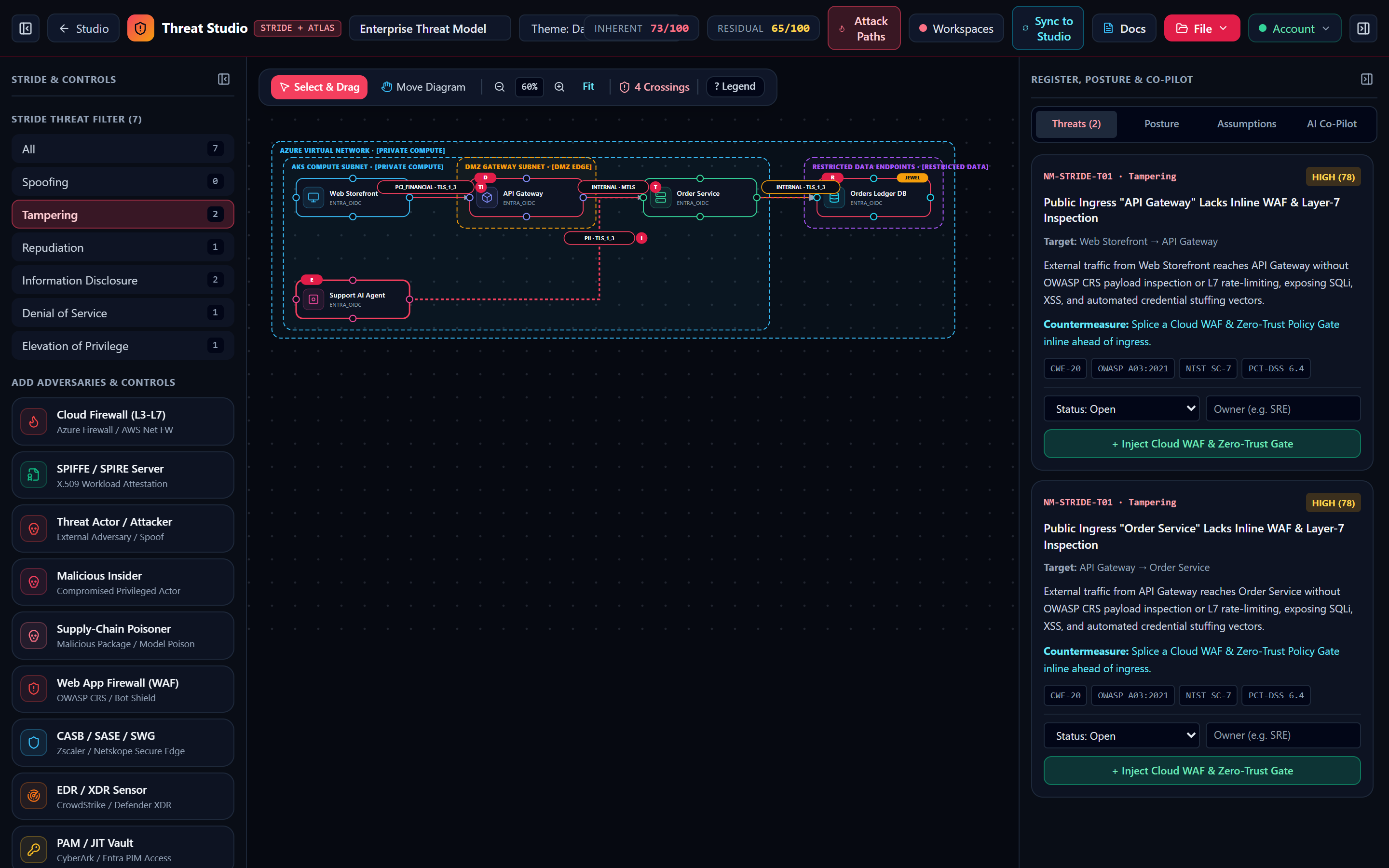
The right-hand panel of Threat Modeling Studio contains four tabs (Register, Posture, Assumptions, and Co-Pilot). In the Register tab, findings are ordered by descending residualScore so the highest-priority risks always appear at the top:
| Card Element | Example Value | Engineering Purpose & Behavior |
|---|---|---|
| Rule ID & STRIDE Pill | NM-STRIDE-T01 · Tampering | Stable, deterministic rule identifier used across SARIF v2.1.0, Jira CSV exports, and CI/CD regression checks. |
| Severity & Score | High · 78/100 | Computed from severityFromScore(score): Critical (≥ 82), High (62–81), Medium (38–61), Low (< 38). |
| Framework Badges | CWE-20 · OWASP A03:2021 · NIST SC-7 · PCI-DSS 6.4 | Cross-maps every architectural finding directly to regulatory and industry audit controls. |
| 1-Click Auto-Fix Button | + Inject Cloud WAF & Zero-Trust Gate | Executes deterministic graph mutation (inject_waf, inject_siem, inject_ai_guardrail, or encrypt_mtls), resolving the finding on the canvas. |
| Disposition Multiplier | Open · Mitigated · Accepted · Transferred · Avoided | Adjusts the finding's residualScore: Mitigated / Avoided = 0.15x (min 8); Transferred = 0.35x (min 15); Accepted = 0.85x; Open = 1.0x. |
2. Tab 2 — Posture Inspector & Control-Break Simulator
Clicking any node, connector, or trust boundary zone on the canvas and opening the Posture tab lets you customize its security attributes or simulate a control failure:
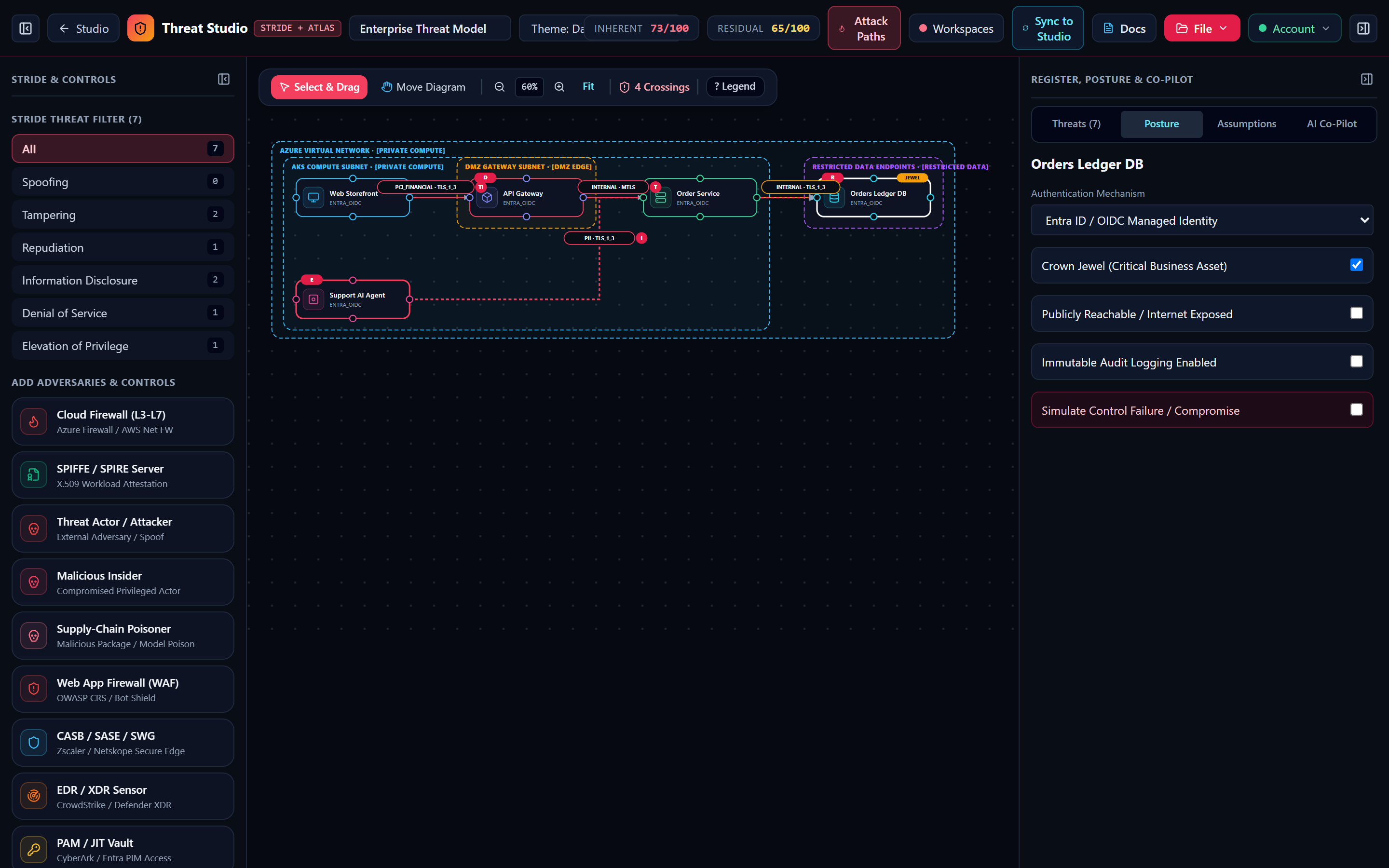
Running a Tabletop Control-Break Simulation (NM-STRIDE-E02)
When you select any security control node on the canvas (waf, zero_trust, iam, vault, cert_pki, siem, dlp, ai_guardrails, or ddos), the Posture Inspector displays a Simulate Control Failure / Disabled toggle. Turning this on sets controlDisabled = true:
- Immediately raises a Critical (Score 86)
NM-STRIDE-E02finding ("Simulated Failure of Security Control", mapped toCWE-636: Not Failing SecurelyandNIST SC-24). - Re-exposes all downstream threats that depended on that control (for example, disabling the Cloud WAF re-triggers
NM-STRIDE-T01andNM-STRIDE-D01on public gateways).
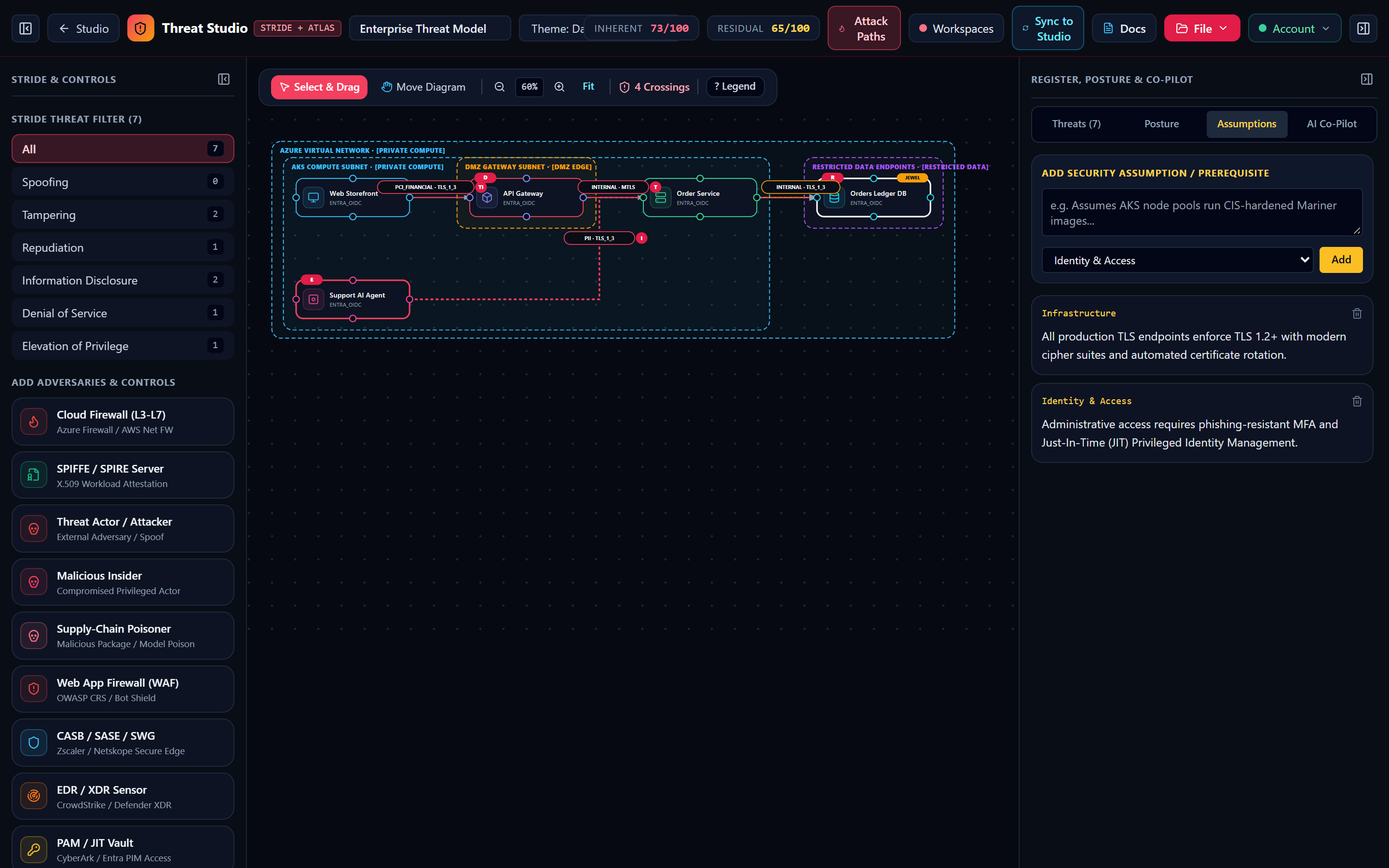
3. Tab 3 — Assumptions Register & Tab 4 — AI Security Co-Pilot
Every enterprise threat model requires explicit documentation of foundational assumptions and interactive architectural review:
Inherent Risk vs. Residual Risk
“I measure how dangerous this architecture would be if your controls were missing or bypassed.”
“Even if you add a WAF, I stay visible so auditors know what threat you mitigated.”
“I drop live in real time every time you splice a Cloud WAF, upgrade a hop to mTLS, or harden a component property.”
“If you toggle "Simulate Control Failure", I spike right back up to show your real blast radius!”
Sharpen Your Pencil · 60-Second Brain Challenge
You switch an API Gateway's Rate Limiting property to 'Disabled / Unthrottled' in the Posture tab. What happens immediately?
- ▸Each component type renders tailored Dropdowns, Radio Buttons, and Checkboxes.
- ▸Use Kill Chain & Blast Radius to step through multi-hop compromise paths.
- ▸Track Accepted vs. Mitigated dispositions with owner and rationale in the Register.